Creating Effective Collaborative Workflows in Spreadsheets
Enhance teamwork with structured spreadsheet processes.
In today’s fast-paced work environment, collaborative workflows in spreadsheets have become essential for effective team management. As teams increasingly rely on digital tools for data analysis and reporting, establishing structured processes can greatly enhance communication and efficiency. By understanding and implementing key practices, teams can create an environment where collaboration thrives, leading to improved outcomes and streamlined operations.
Effective collaboration isn’t just about sharing a document; it requires an intentional approach to how teams interact with data.
Understanding Collaborative Workflows
At its core, a collaborative workflow in spreadsheets involves a series of processes that facilitate teamwork in managing and analyzing data. This often includes defining roles, setting clear expectations, and utilizing tools that support real-time collaboration. Evidence suggests that when teams adopt structured workflows, they experience significant improvements in productivity and data accuracy.
A fundamental aspect of these workflows is communication. Teams need to establish protocols for how and when information is shared. This may involve regular check-ins, updates via comments, or utilizing chat features within spreadsheet tools. By fostering an open line of communication, teams can tackle challenges more efficiently and ensure that everyone is aligned with project goals.
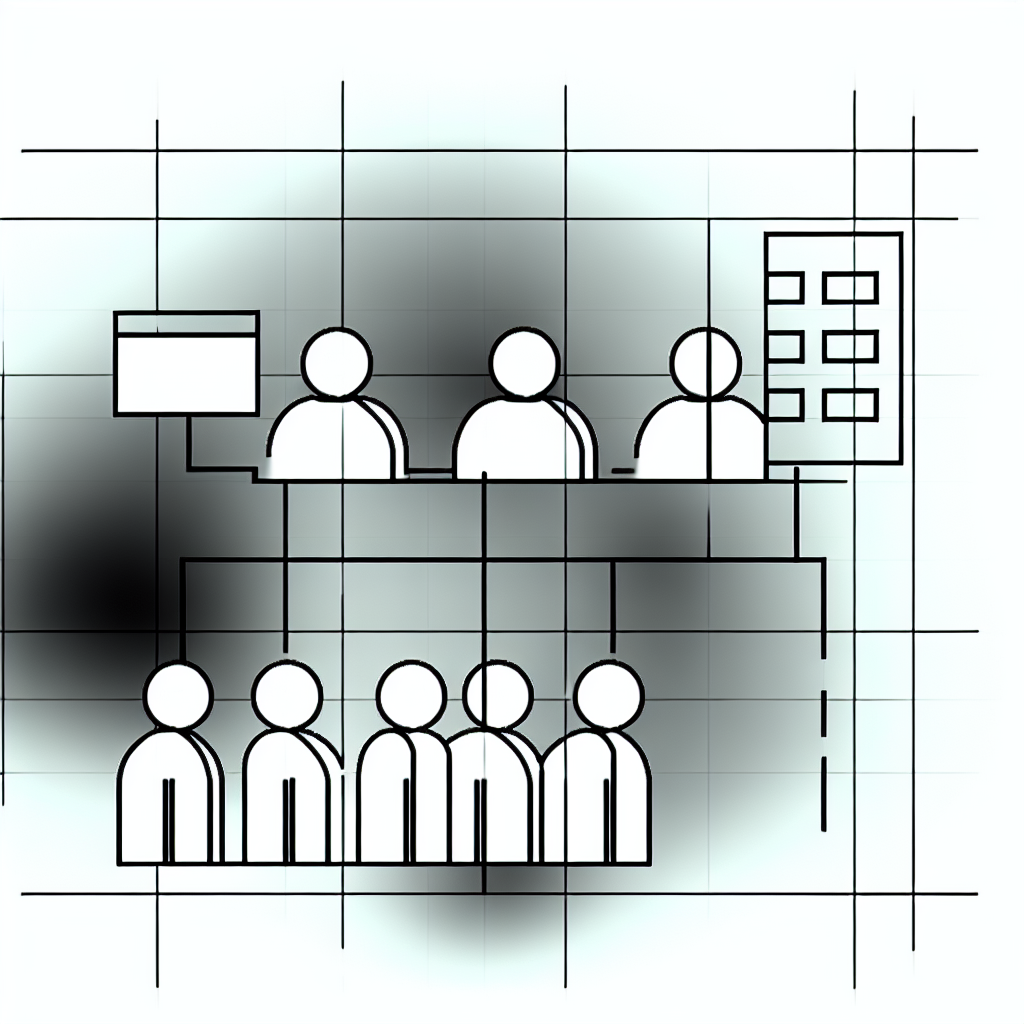
“Effective communication is the backbone of successful collaboration.”
Creating clear guidelines for spreadsheet usage is another critical element. Team members should know which data points to focus on, how to input data correctly, and the importance of maintaining data integrity. This clarity not only minimizes errors but also enhances the overall quality of the work produced.
Tools and Technology for Collaboration
The right tools can significantly enhance collaborative workflows. Many modern spreadsheet applications come equipped with features designed to support teamwork, such as version history tracking, comment threads, and simultaneous editing. By utilizing these features, teams can work concurrently without the fear of overwriting each other’s contributions.
Integrating additional project management tools can further streamline the workflow. For example, linking spreadsheets to task management software can help teams track progress and deadlines more effectively. This integration enables users to see how spreadsheet data translates into actionable tasks, bridging the gap between data analysis and project execution.
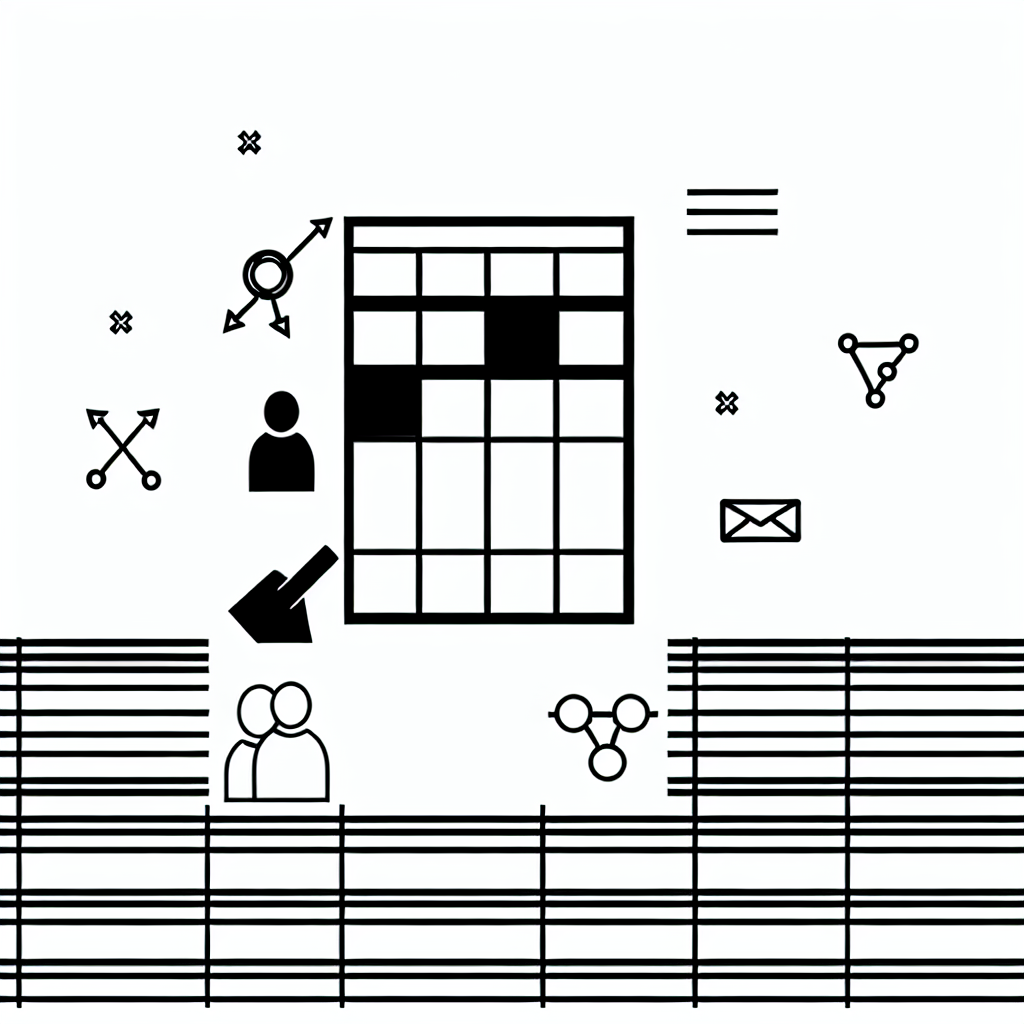
Moreover, using templates designed for collaboration can save time and reduce the learning curve for team members. Templates can standardize the layout and structure of spreadsheets, allowing team members to focus on content rather than formatting. This practice not only boosts efficiency but also ensures consistency across projects.
Establishing Roles and Responsibilities
Defining roles within a collaborative spreadsheet workflow is crucial for success. Each team member should have a clearly delineated function, whether it’s data entry, analysis, or reporting. By assigning specific responsibilities, teams can avoid overlap and confusion, leading to a more organized approach to collaboration.
When roles are established, it becomes easier to hold individuals accountable for their contributions. This accountability helps maintain the integrity of the spreadsheet and encourages team members to take ownership of their work. Furthermore, it allows for targeted training, where team members can develop skills relevant to their specific roles, enhancing overall team capability.
It is also beneficial to rotate roles periodically. This practice not only provides team members with a broader understanding of the workflow but also fosters a sense of shared responsibility. When everyone contributes to various aspects of the project, it can lead to a more cohesive team dynamic and a richer collaborative experience.

Continuous Improvement and Feedback
Collaboration is an ongoing process that requires regular reflection and adjustment. Teams should establish a routine for gathering feedback on the effectiveness of their workflows. This could involve surveys, team discussions, or one-on-one check-ins to assess what is working and what needs improvement.
Research indicates that teams that actively seek feedback tend to adapt their processes more efficiently. Incorporating this feedback into the workflow allows teams to refine their practices, eliminate bottlenecks, and enhance overall collaboration. Additionally, fostering a culture of openness where team members feel comfortable sharing their thoughts can lead to innovative solutions and better engagement.
Celebrating successes, no matter how small, is also vital. Recognizing milestones can boost team morale and reinforce the value of collaborative efforts. Acknowledging achievements encourages teams to continue striving for excellence and fosters a positive atmosphere that promotes ongoing collaboration.